

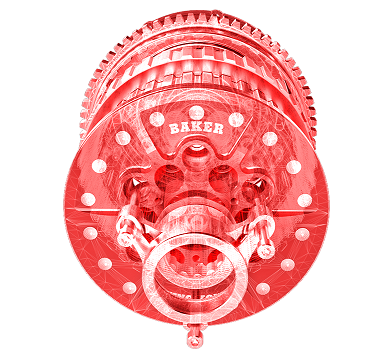

SolidWorks is a leading 3D CAD (Computer-Aided Design) software for manufacturing and product design, used by engineers and designers to create, analyze, and visualize complex models and assemblies. Boasting an intuitive interface and powerful design tools, SolidWorks facilitates everything from product design to simulation. Integrated with tools for product data management (PDM), visualization, and electrical design, its robust suite of features is ideal for multiple industries, including automotive, aerospace, electronics, and consumer products. With its ability to optimize designs for manufacturing, and compatibility with 3D printing, SolidWorks continues to be a favourite for professionals seeking precision, efficiency, and collaboration in their design workflows as an authorized SOLIDWORKS partner in Pune, Pelf Infotech help industries across India implement it end-to-end.


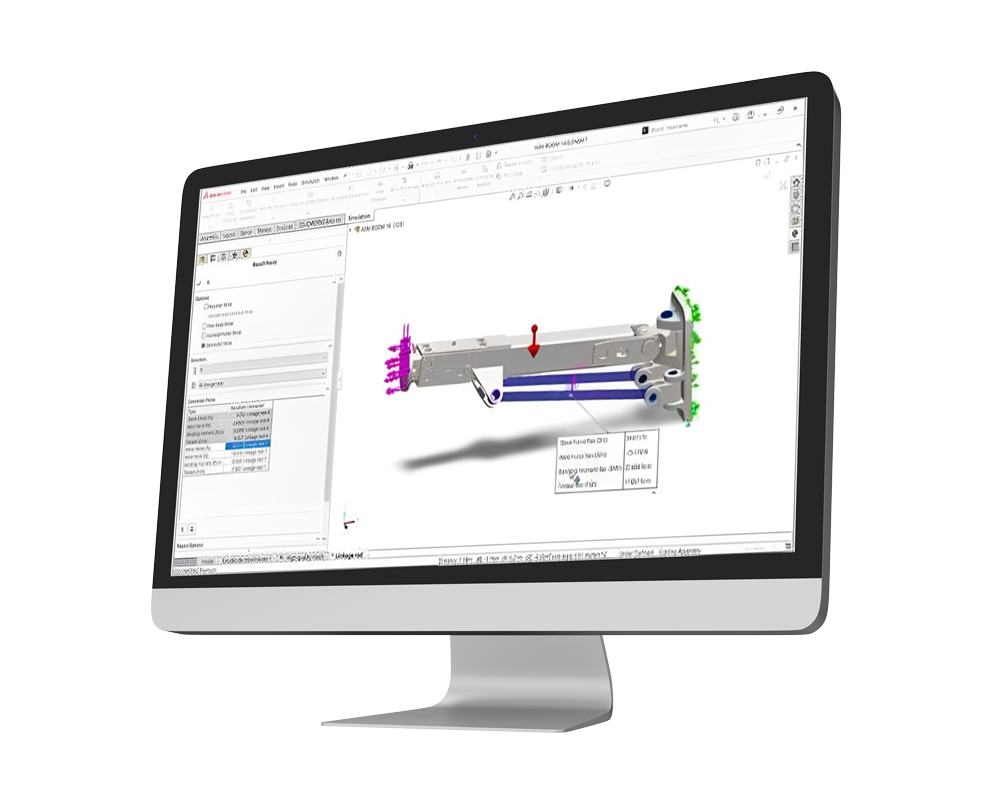
SOLIDWORKS Simulation software revolutionizes design validation. Integrated within the SolidWorks suite, this tool allows engineers to virtually test 3D models under real-world conditions. Evaluate mechanical stresses, thermal dynamics, and more through its intuitive interface. Visualize stress distribution and deformations interactively. Minimize the reliance on costly physical prototypes, optimize design performance, and ensure product durability. With SolidWorks Simulation, bring innovation to life efficiently and confidently. Embrace smarter design validation today.
SOLIDWORKS Flow Simulation, leading CFD (computational fluid dynamics) software, is the pinnacle of fluid dynamics analysis. Seamlessly integrated into the SOLIDWORKS environment, this tool empowers engineers to simulate fluid flow, heat transfer, and aerodynamic forces directly within their 3D models. With an intuitive interface, users can visualize complex flow patterns, temperature variations, and pressure conditions. Make informed decisions, optimize product performance, and achieve superior designs without the need for physical testing. Dive into the future of fluid analysis with SOLIDWORKS Flow Simulation. Embrace accuracy and efficiency.
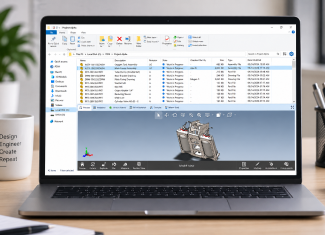
(Mastering design data, one file at a time with SOLIDWORKS)
SOLIDWORKS PDM streamlines data management seamlessly as a core PLM (product lifecycle management) solution for engineering teams. Integrated within the SOLIDWORKS environment, it centralizes and organizes design data, ensuring consistency, collaboration, and easy retrieval. With robust version control and real time access, teams can confidently track design changes and accelerate project timelines. Protect, collaborate, and innovate with SOLIDWORKS PDM the cornerstone of efficient product design management.
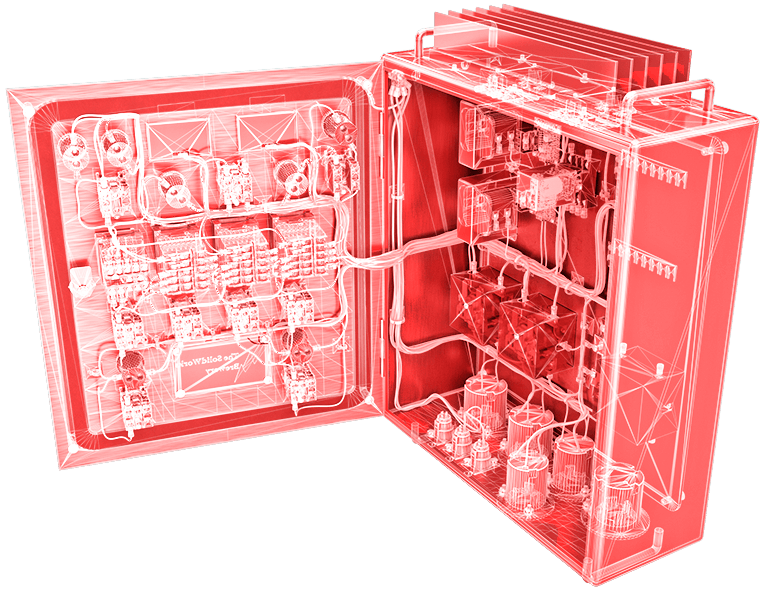
(Empower Your Circuitry: Design Electrically with SOLIDWORKS)
SOLIDWORKS Electrical Schematic simplifies complex circuit designs. Embedded within SOLIDWORKS, it provides intuitive tools for rapid schematic creation and validation. Harness its rich component libraries and intelligent design features to produce error free, high quality schematics. Navigate the maze of wiring with ease, and electrify your designs using SOLIDWORKS Electrical Schematic.
SOLIDWORKS Electrical 3D bridges the gap between electrical and mechanical design. Integrated within SOLIDWORKS, it seamlessly merges 3D CAD with electrical schematics. With real time collaboration and intuitive cable routing, engineers can visualize, validate, and optimize their electrical assemblies in a 3D environment. Illuminate your designs in three dimensions with SOLIDWORKS Electrical 3D.
(Translating Designs into Stories with SOLIDWORKS Technical Communication)
SOLIDWORKS Technical Communication redefines product storytelling. Seamlessly integrating 3D visuals with dynamic documentation tools, it delivers interactive manuals, assembly instructions, and parts catalogues. Enhance clarity, reduce errors, and elevate user experiences. Communicate complexity simply with SOLIDWORKS, where every detail speaks volumes.
SOLIDWORKS Composer transforms 3D CAD data into clear, professional technical documentation without needing a dedicated technical writer. It generates interactive assembly instructions, parts catalogues, and animated illustrations directly from your design data, keeping documentation in sync as designs change. Communicate complex assemblies simply and accurately with SOLIDWORKS Composer.
SOLIDWORKS Inspection elevates quality control to new heights. Integrated seamlessly with SOLIDWORKS, it automates the process of creating inspection documents and verifying design data. Utilizing Optical Character Recognition (OCR) for swift data capture and intuitive comparison tools, it ensures design accuracy and compliance with industry standards. Trust SOLIDWORKS Inspection for a flawless product journey, from design to final validation.
SOLIDWORKS MBD reimagines the traditional design-to-manufacturing process. Eliminating the reliance on 2D drawings, MBD integrates detailed annotations, dimensions, and tolerances directly within the 3D model. Streamlining communication, it enhances collaboration, reduces errors, and accelerates time to market. With SOLIDWORKS MBD, experience a seamless transition from design to production, defining the future of manufacturing documentation.
SOLIDWORKS Visualize brings designs to vibrant life. Unlocking the power of photorealistic rendering, it transforms CAD data into stunning visuals, animations, and immersive virtual experiences. With an intuitive interface and advanced lighting tools, Visualize ensures your product stands out, capturing every intricate detail and finish. Illuminate your design's potential and captivate audiences with SOLIDWORKS Visualize.
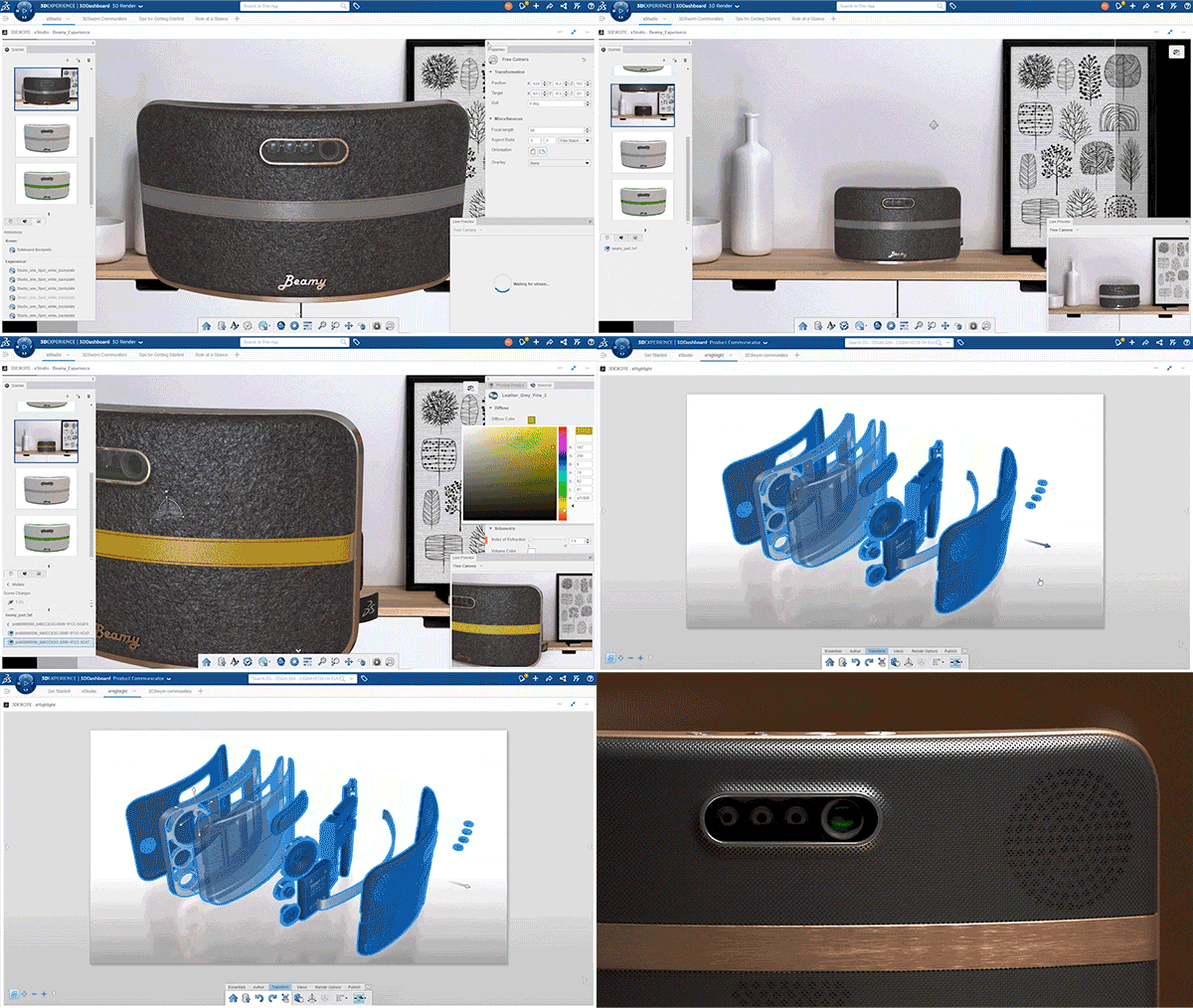
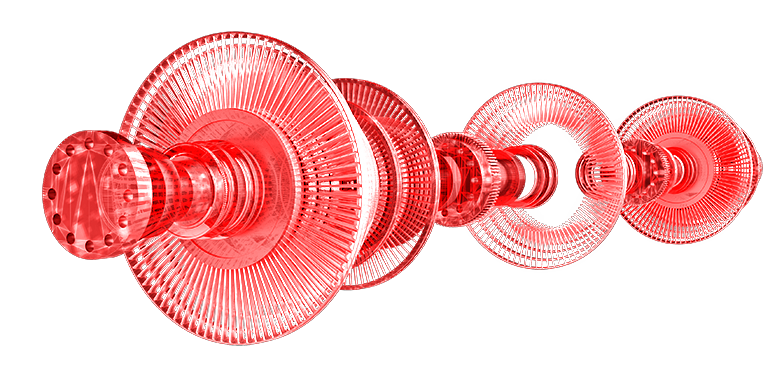
SOLIDWORKS Education is the gateway to engineering excellence for students and educators. Tailored for academia, it offers powerful CAD tools, fostering innovation and hands-on learning. Bridging classroom theory with real-world application, it empowers the next generation of engineers and designers. With SOLIDWORKS Education, watch ideas evolve into tangible solutions, shaping the future of design.
(Where Innovation Meets Collaboration in One Unified Space)
A singular platform with limitless potential. 3DEXPERIENCE provides a comprehensive set of tools for businesses involved in designing, engineering, or producing new items, ensuring efficient, top-tier product development from start to finish. Accelerate your projects utilizing established strategies such as automation, preset templates, leveraging past knowledge, and integrated design and simulation. Bridge the gap between stakeholders from beginning to end with advanced cloud technology, cloud-based project oversight, and shared assets safeguarded by cutting-edge cloud security and privacy measures. 3DEXPERIENCE on the Cloud offers a comprehensive, real time overview of business operations and ecosystems for all organizations, seamlessly linking individuals, concepts, information, and solutions in a constantly accessible collaborative space. Its user-friendly interface facilitates engagement for all participants in innovative endeavors, allowing them to conceptualize, design, simulate, and provide unique customer experiences. Overcome IT limitations and achieve rapid scalability with 3DEXPERIENCE on the Cloud.
3DEXPERIENCE SOLIDWORKS seamlessly merges the trusted capabilities of SOLIDWORKS with the collaborative power of the 3DEXPERIENCE platform. Dive into a unified design environment, enhancing projects with cloud based tools, real time collaboration, and streamlined workflows. Transforming product development, 3DEXPERIENCE SOLIDWORKS is the next evolution in integrated design and manufacturing.
3DEXPERIENCE DraftSight elevates 2D and 3D CAD design with the expansive capabilities of the 3DEXPERIENCE platform. Offering precision drawing, seamless collaboration, and cloud connectivity, DraftSight streamlines design processes. Access, edit, and share projects effortlessly, anytime, anywhere. With 3DEXPERIENCE DraftSight, experience the future of drafting in an interconnected world.
SOLIDWORKS certifications can be used as a benchmark to measure your knowledge and competency with SOLIDWORKS software. SOLIDWORKS offers several certifications, but the primary three levels of certification that represent a clear progression in expertise are:
Level: Entry Description: Validates basic SOLIDWORKS skills and a foundational understanding of the software. Suitable for students and professionals who are relatively new to SOLIDWORKS.
Level: Intermediate Description: Represents a deeper proficiency in SOLIDWORKS functionalities, including advanced features and specific industry modules. It's for those who have considerable experience and want to authenticate their broader skill set.
Level: Advanced Description: This is the pinnacle of SOLIDWORKS certification, validating an advanced and comprehensive knowledge of the software. CSWE holders demonstrate a high level of capability and expertise, often specializing in multiple areas of design and engineering within SOLIDWORKS. (Removed the duplicate CSWP block that appeared twice in the original.) Each level progressively demands a deeper understanding of the software and its capabilities, with each certification acting as a recognized benchmark in the industry.
The SOLIDWORKS Basic Training course aims to familiarize participants with the core functionalities and features of SOLIDWORKS, empowering them to create, modify, and analyze 3D CAD models efficiently.
The SOLIDWORKS Advanced Training course delves deeper into the software, focusing on intricate tools and techniques that allow for complex modeling, detailed assemblies, and advanced design validation. Ideal for corporate SOLIDWORKS training for engineering teams.
SOLIDWORKS is a 3D CAD (Computer-Aided Design) software used for product design, 3D modeling, simulation, and manufacturing. It helps engineers and designers create detailed 3D models, assemblies, technical drawings, and product designs while improving design accuracy and reducing development time. SOLIDWORKS is widely used in industries such as Manufacturing,Industrial equipment & machinery, automotive, aerospace, consumer products.
Pelf Infotech is an authorized SOLIDWORKS and 3DEXPERIENCE reseller in Pune, providing SOLIDWORKS software, licensing, training, implementation, and technical support to businesses, engineering teams, and educational institutions. With operations in Pune since 2002, Pelf Infotech supports customers across Maharashtra,west bengal as well as eastern region of india
SOLIDWORKS PDM (Product Data Management) is a data management and PLM tool that centralizes and organizes design files, providing version control, real-time access, and collaboration for engineering teams working on the same projects.
Yes. SOLIDWORKS Electrical includes Electrical Schematic for circuit design and Electrical 3D, which merges electrical schematics with 3D CAD models for combined mechanical-electrical design in one environment.
SOLIDWORKS Composer creates technical documentation — assembly instructions, parts catalogs, and animated illustrations — directly from 3D CAD data, without needing separate technical writing tools
SOLIDWORKS MBD (Model-Based Definition) embeds annotations, dimensions, and tolerances directly into the 3D model, removing the need for separate 2D drawings and speeding up the design-to-manufacturing process.
We focus on the needs of small to middle market businesses to improve and grow their return.
© 2026 — PELF. All Rights Reserved. Designed & Developed by Bright Pixel